Product tour
A look inside TAQNIX ERP
Invoicing, quotations, purchasing, point of sale and reports in one program, in Arabic and English. Every picture on this page shows fictional sample data.
About these pictures
The pictures come from a design prototype of the Saudi edition: amounts are in SAR, VAT is 15% and some panels mention ZATCA. ZATCA does not apply in the UAE; the edition for the UAE is set up for 5% VAT.
What you get
VAT invoices in AED
Tax invoices and credit notes carry the 5% VAT, your Tax Registration Number and your customer's, with sequential numbering.
Mainland and free-zone companies
Whether your licence is mainland or from a free zone, you keep one set of books. Check VAT treatment of your zone with the FTA or your accountant.
Arabic and English documents
Quotations, invoices and receipts print in Arabic, English or both, so one template serves local and international customers.
The screens you will use every day
See the whole business at a glance
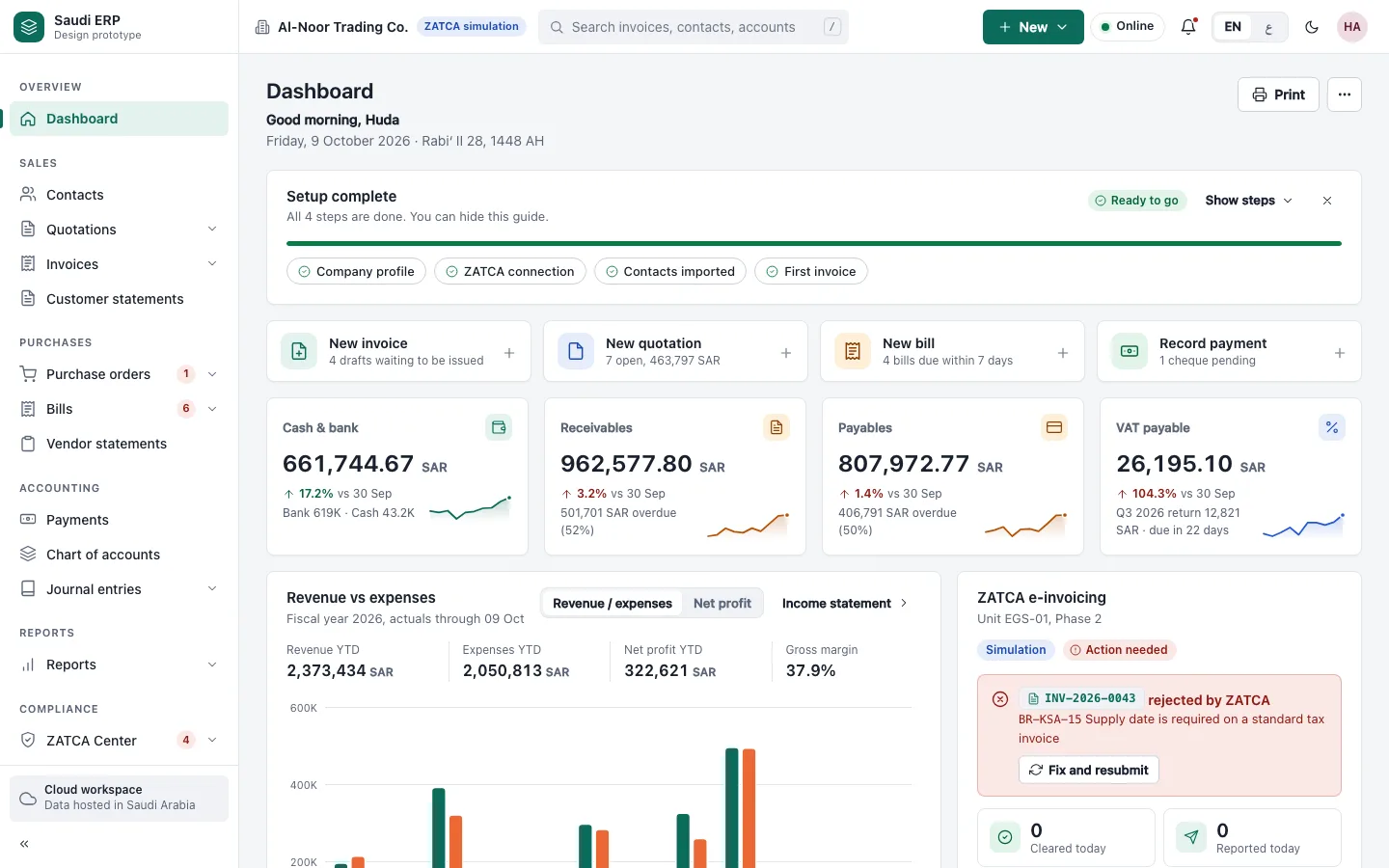
The dashboard shows cash, what customers owe you, what you owe suppliers and the VAT payable, so you start the day knowing where you stand.
Create invoices and credit notes
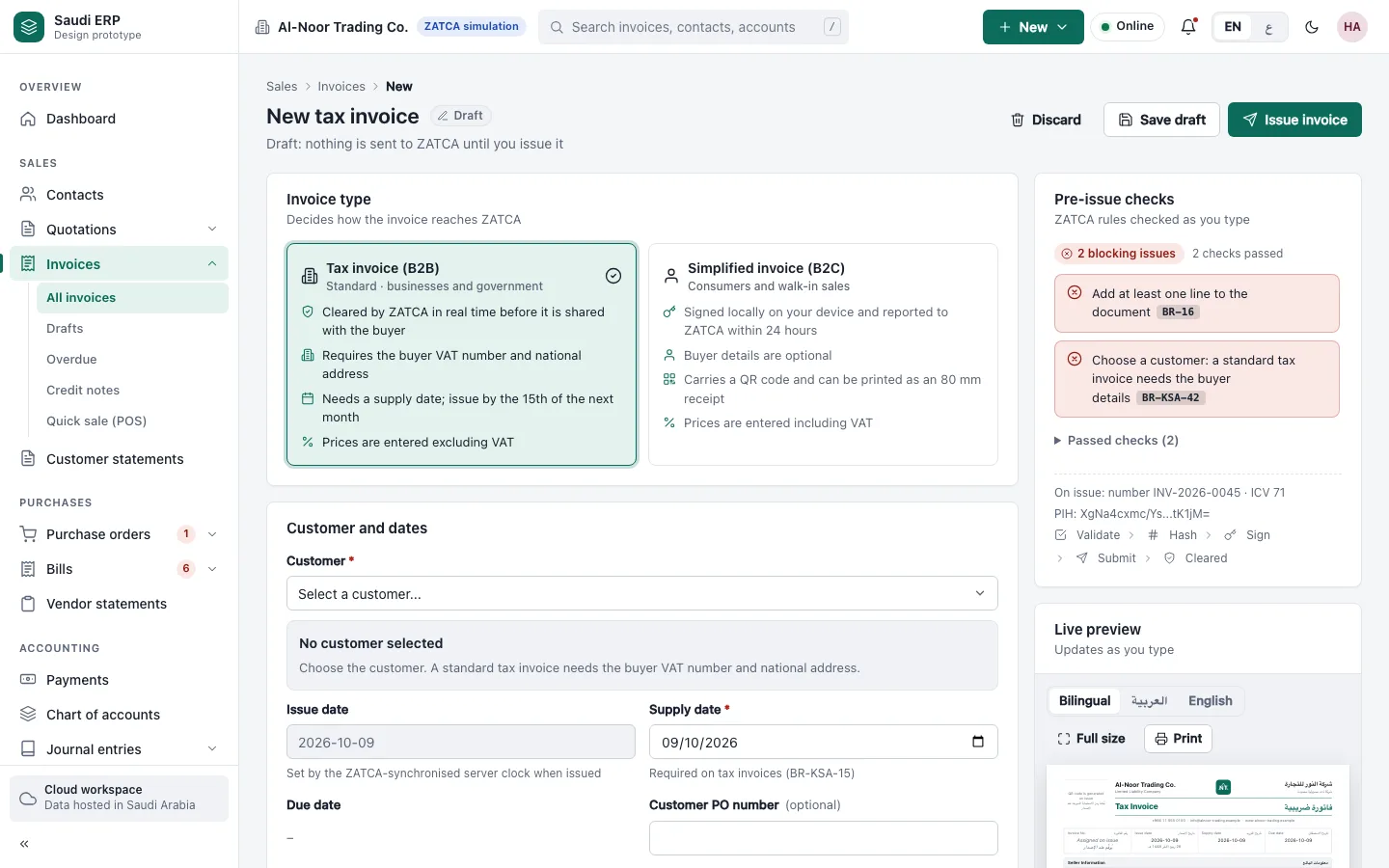
Pick the invoice type, add the customer and the lines, and see what is still missing before you issue it. A credit note corrects a mistake without editing the original.
From quotation to order
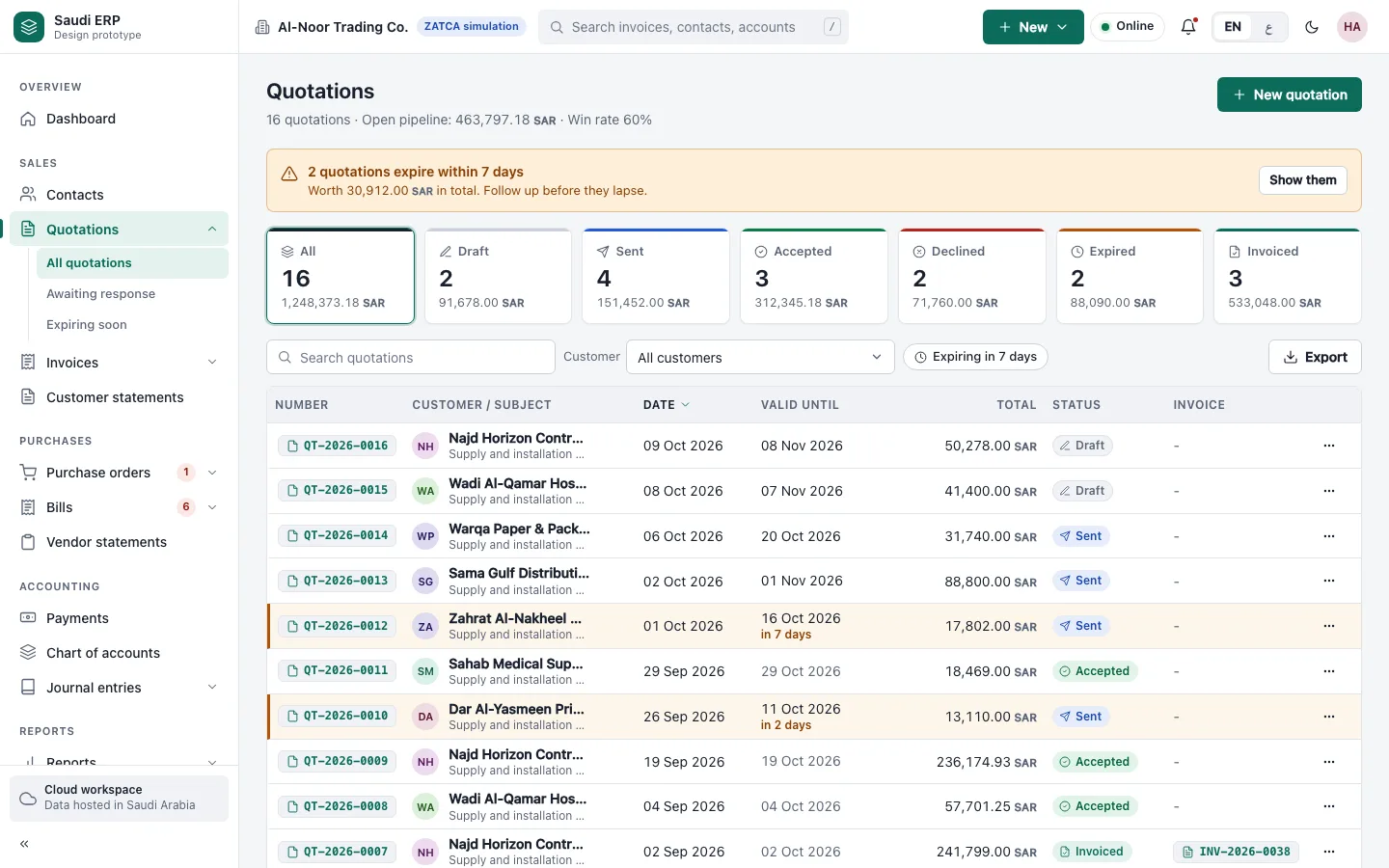
Send quotations, follow which are open, accepted or expired, and turn the accepted ones into orders and invoices.
Supplier bills and what you owe
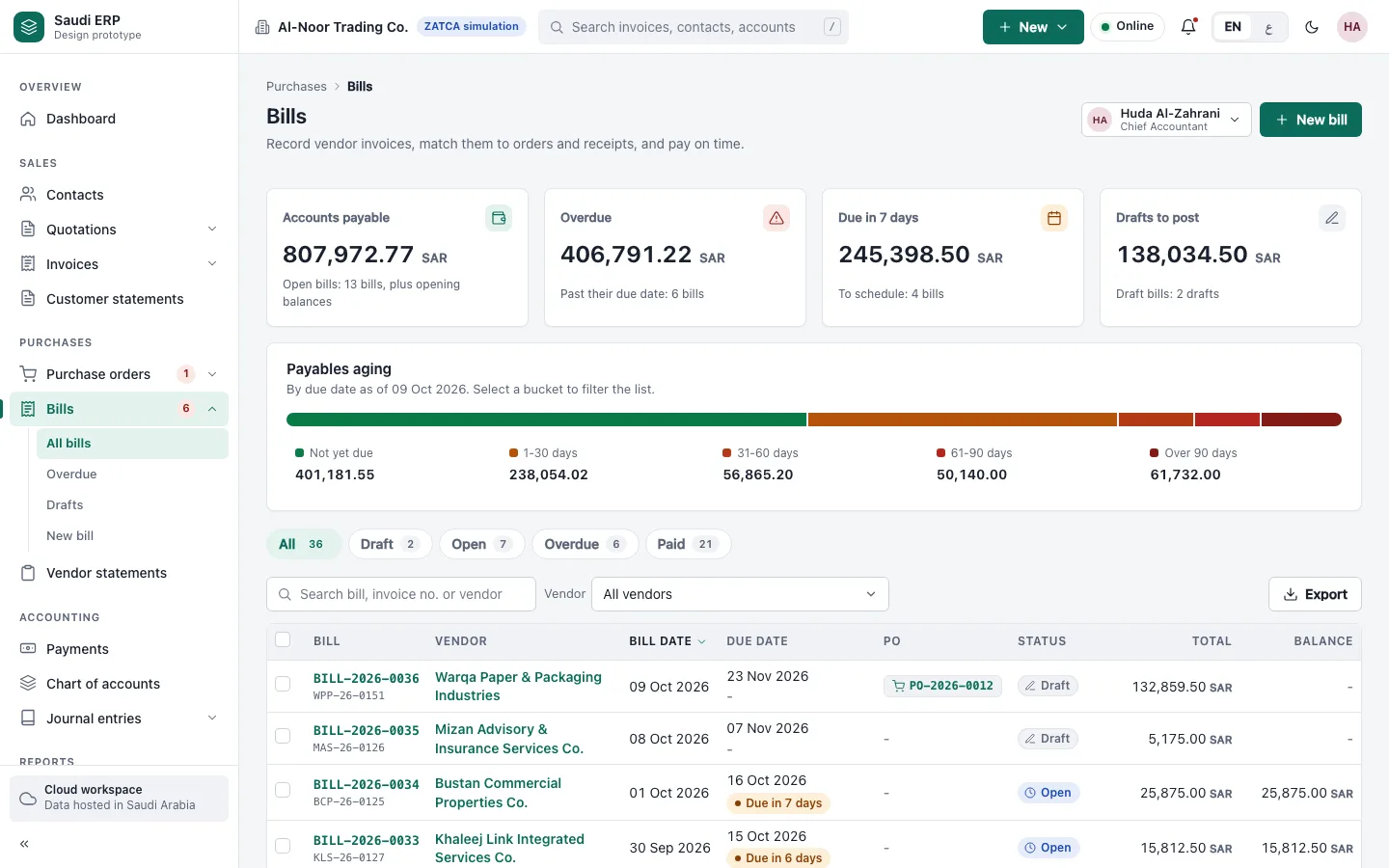
Record supplier bills, see which are due and which are overdue, and keep purchase orders and bills together.
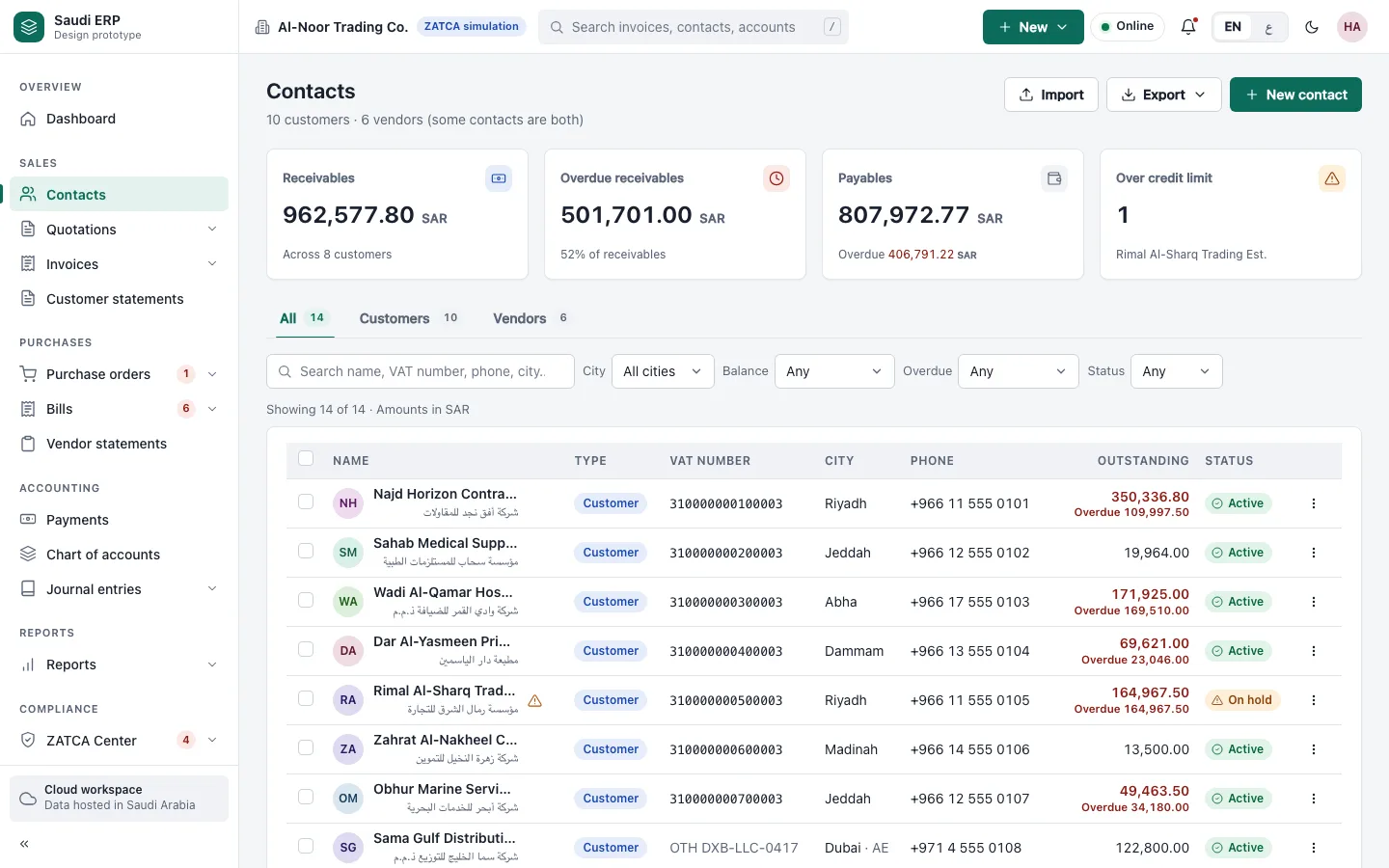
Customers and suppliers in one list
Keep each customer and supplier once, with the name in Arabic or English, and see what each one owes or is owed.
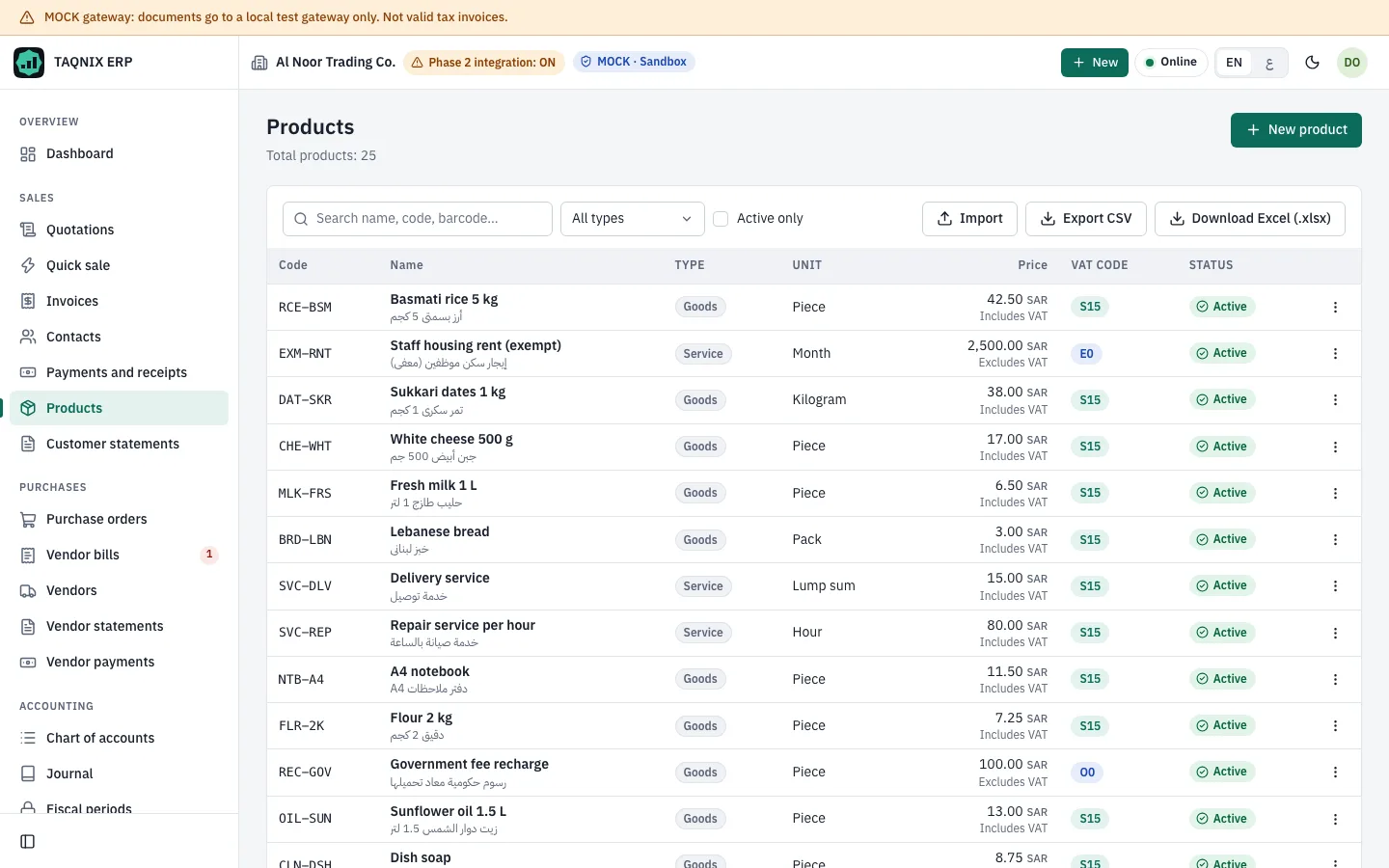
Products and services with prices and VAT
A list of what you sell, with prices and a VAT code for each, so every invoice line picks the right tax.
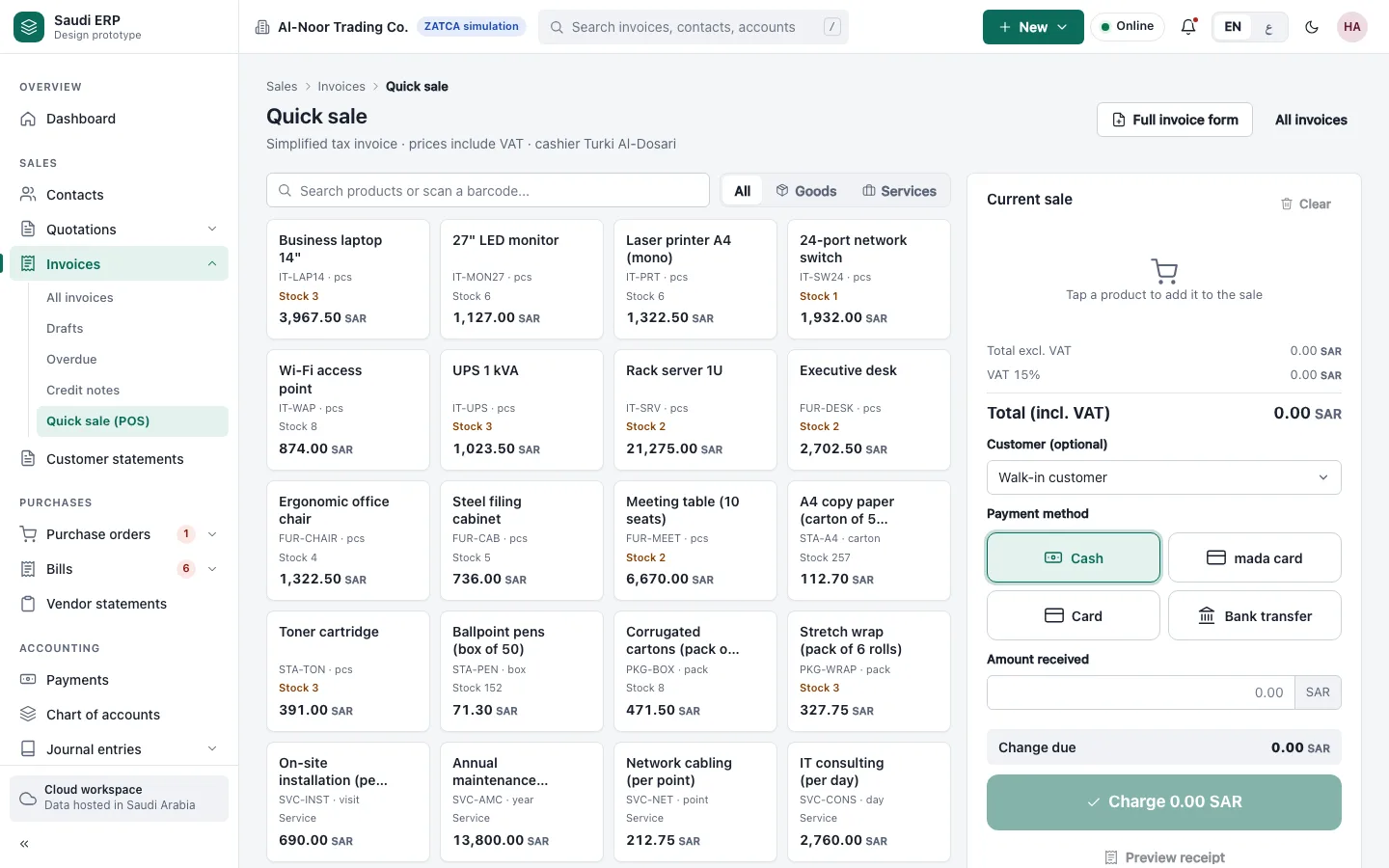
A point of sale for the counter
Ring up sales at the counter, take cash or card and print the receipt. Built for shops and cafes.
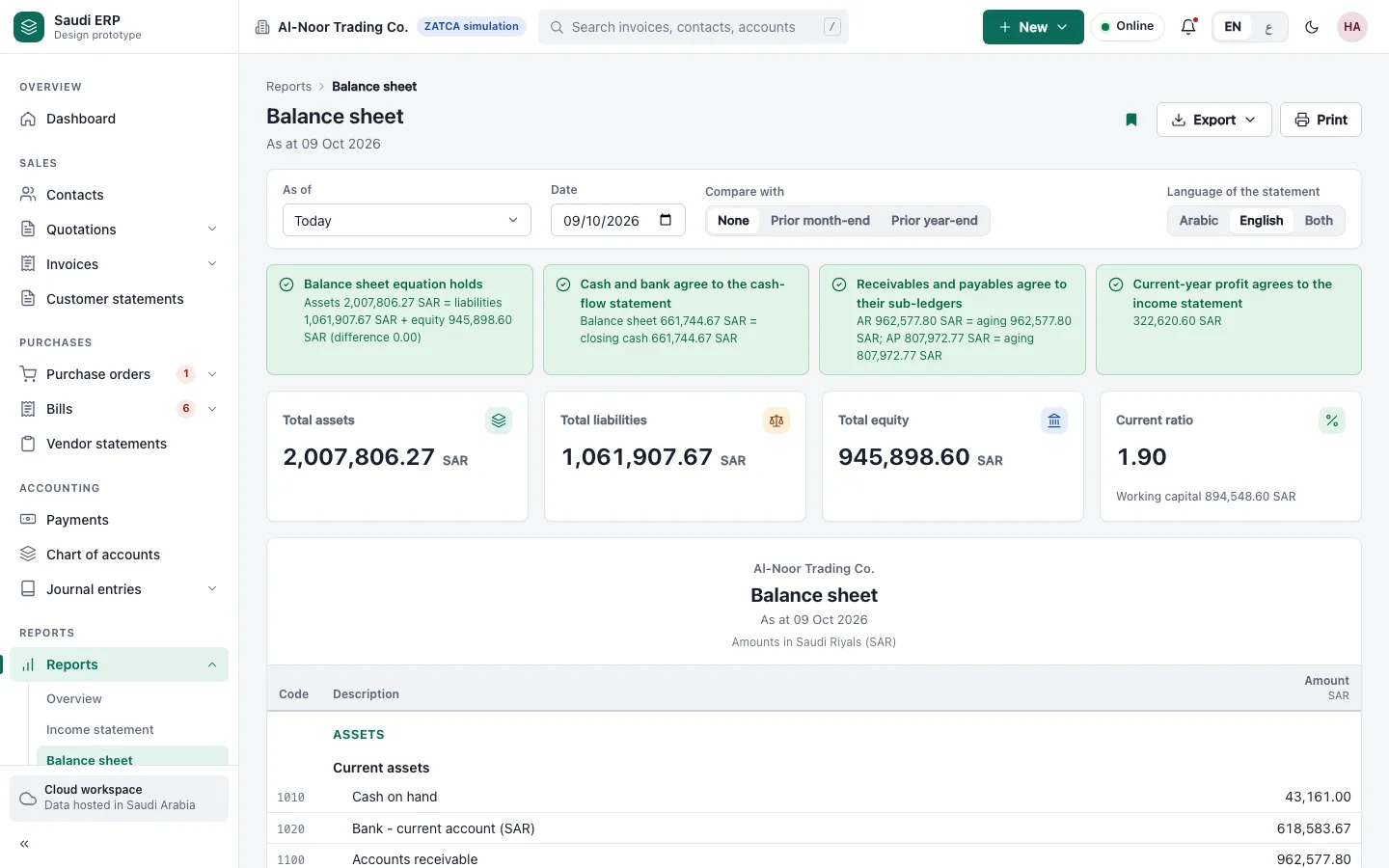
Reports you can hand to your accountant
Profit and loss and the balance sheet, ready when you need them, for the period you choose.
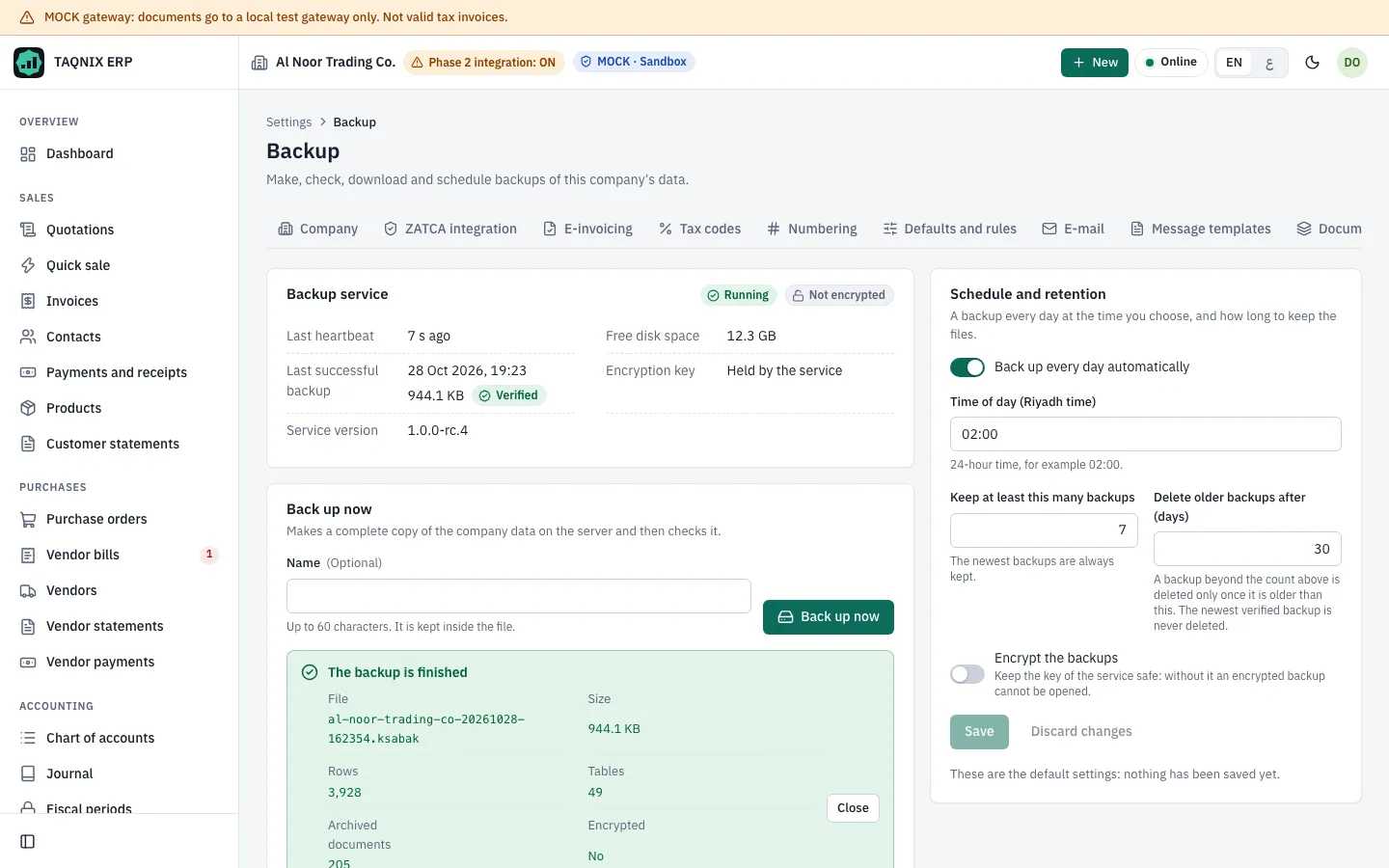
Backup and restore
Make a backup of your company data, keep a copy somewhere safe and restore it when you need to.
Click through it yourself
Click through it yourself
The demo runs in your browser with fictional data. Nothing you type is sent anywhere.
Open the interactive demoInstall it, or talk to us first
Describe your business in a few lines and we will reply with how TAQNIX ERP would fit it.